Using Moto Display
Moto G Stylus 2023
Using Moto Display
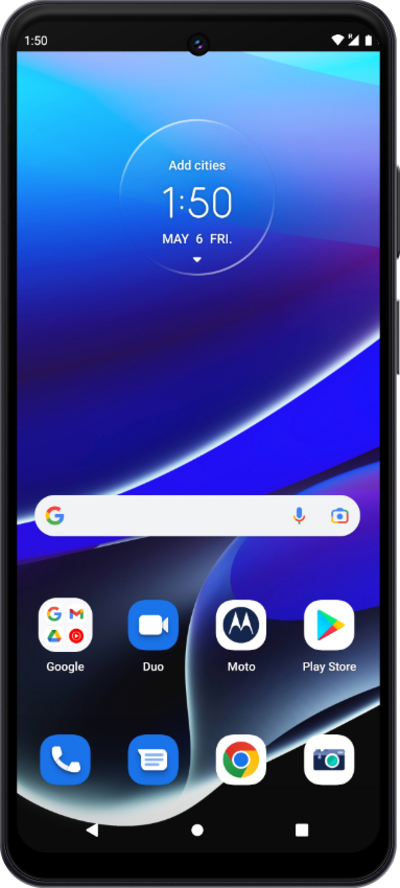
Learn how to use Moto Display on your device. Moto Display shows you recent notifications as well as the time stamp while your phone is in sleep mode.
1.
With the screen off, pick up your phone.
2.
Touch and hold a notification.
3.
Drag your finger towards the middle of the screen to view it.
You can select the notifications you want to see on Moto Display through the Moto app.
4.
You've completed the steps!
