Turning on Universal switch
moto g stylus 5G (2022)
Turning on Universal switch
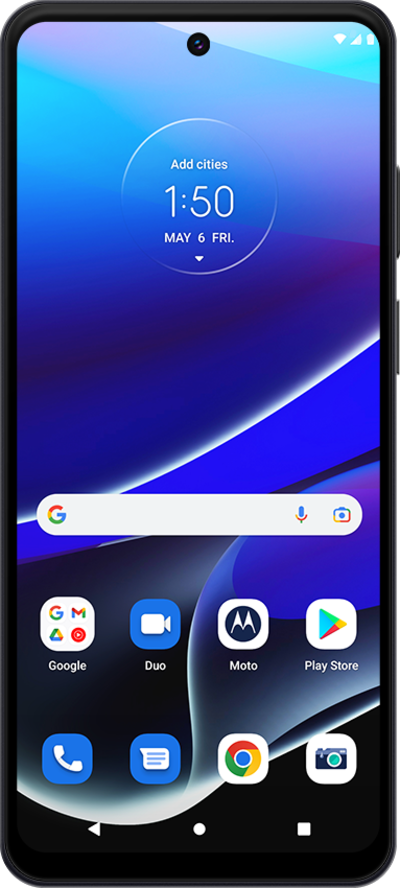
The Universal Switch feature allows you to control your device using an external switch, head movements, or face gestures.
1.
From the Settings app, scroll to Accessibility.
2.
Tap Accessibility.
3.
Scroll to Switch access.
4.
Tap Switch Access.
5.
Tap or slide the Use Switch access to ON.
6.
Select Allow.
Follow the on screen steps to continue the switch setup.
7.
You've completed the steps!
