Navigating your iPad with VoiceOver
iPad (7th generation)
Navigating your iPad with VoiceOver
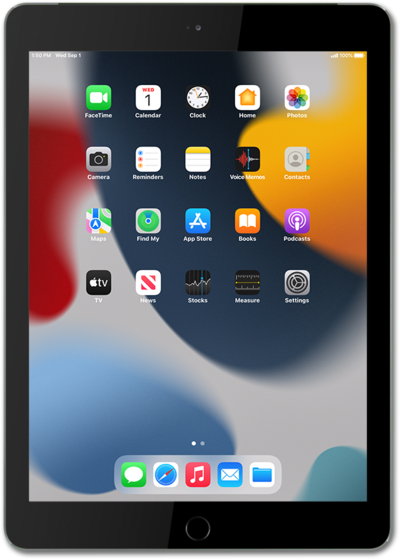
The gesture-based screen reader VoiceOver describes what's under your finger when you tap or drag it over your device.
1.
From within the Settings app, scroll to and tap Accessibility.
2.
Tap VoiceOver.
Depending on your specific device, your options may vary.
3.
Tap or slide the VoiceOver switch to ON.
Your device will begin dictating the text within the black borders.
4.
Tap OK to highlight the option.
5.
Double-tap anywhere on the screen to confirm.
When prompted to allow notifications from VoiceOver, repeat steps 4-5 to confirm your notification preferences.
6.
To turn VoiceOver off, tap the VoiceOver switch to highlight it.
7.
Double-tap anywhere on the screen to turn VoiceOver to OFF.
8.
You've completed the steps!
