Using Point and Speak to Read Physical Labels Out Loud
iPad (7th generation)
Using Point and Speak to Read Physical Labels Out Loud
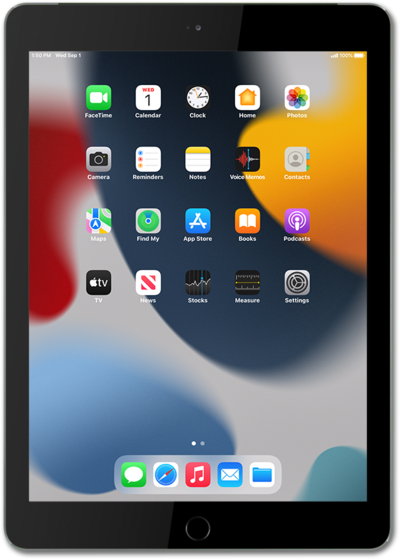
Point and Speak uses the Magnifier app to scan and read aloud text printed on objects. This is especially useful for the visually impaired.
1.
From the Magnifier app, tap the Settings icon.
2.
Tap Detect.
3.
Tap or swipe the Show in Control Panel switch to ON.
4.
Tap outside the Settings window to return to the app.
5.
Touch and hold the Detect icon.
6.
Tap Point & Speak.
For better results, uncheck any other options to narrow the range of what the app will detect.
7.
Tap outside the menu to close it.
8.
Tap Detect.
Hold your iPhone or iPad about 12 inches away, parallel to the text you want read. Using your finger, point to the text you would like read.
9.
You've completed the steps!
