Inverting your device’s colors
Journey R
Inverting your device’s colors
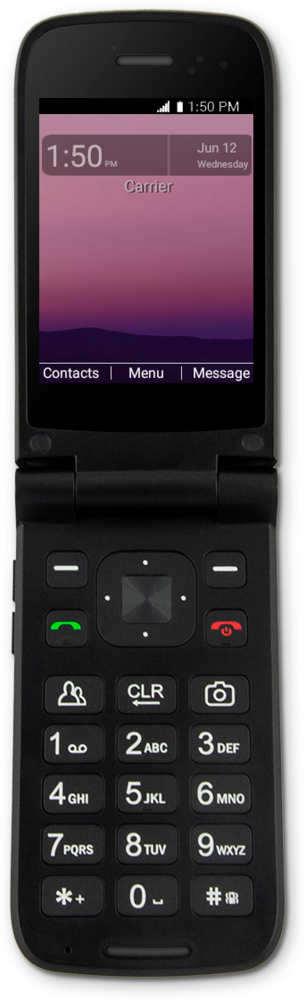
Enabling color inversion on your device will invert many elements found on your screen by making dark elements light and light elements dark. This feature may help individuals with visual impairments by enhancing visibility for areas that are hard to view or read.
1.
From the Settings screen, navigate to Accessibility.
2.
Press the Select button.
3.
Navigate to Color inversion.
4.
Press the Select button.
5.
Navigate to On.
6.
Press the Select button.
7.
You've completed the steps!
