Enabling Real-Time Text (RTT) or TTY for phone calls
Journey R
Enabling Real-Time Text (RTT) or TTY for phone calls
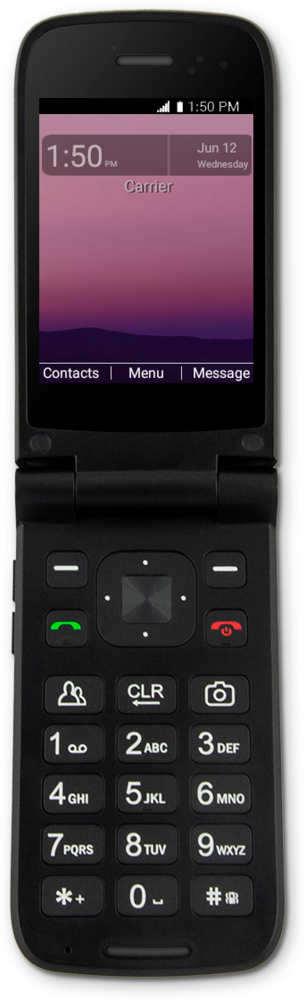
Real-Time Text (RTT) enables users to communicate using text which is then transmitted as audio to the listener in real time during a phone call. RTT can improve the user experience for individuals with speech or vocal impairments.
1.
From the Settings screen, navigate to Accessibility.
2.
Press the Select button.
3.
Navigate to Real-time text.
4.
Press the Select button.
5.
Navigate to your preference for Real-time text.
You can set RTT to be active all the time, or only during phone calls.
6.
Press the Select button.
7.
You've completed the steps!
