Switching which SIM you use for cellular data
Moto G Stylus 2023
Switching which SIM you use for cellular data
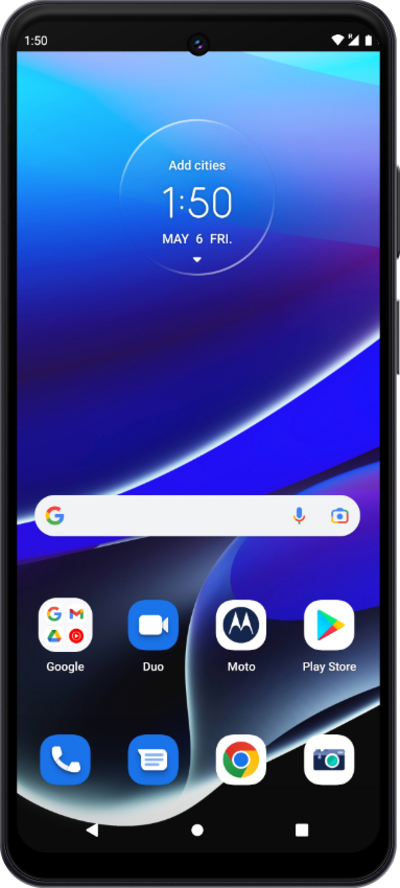
If you have two SIMs on your device (physical or eSIM), you can set your device to use cellular data from one or the other.
1.
From the Settings app, tap Network and Internet.
2.
Tap SIM cards.
3.
Tap Data.
4.
Select the SIM you would like to use for mobile data and follow any on screen prompts.
The labels you've chosen may differ from this tutorial, but the same steps should still apply.
5.
You've completed the steps!
