Sharing your location in a messages conversation
iPhone XR
Sharing your location in a messages conversation
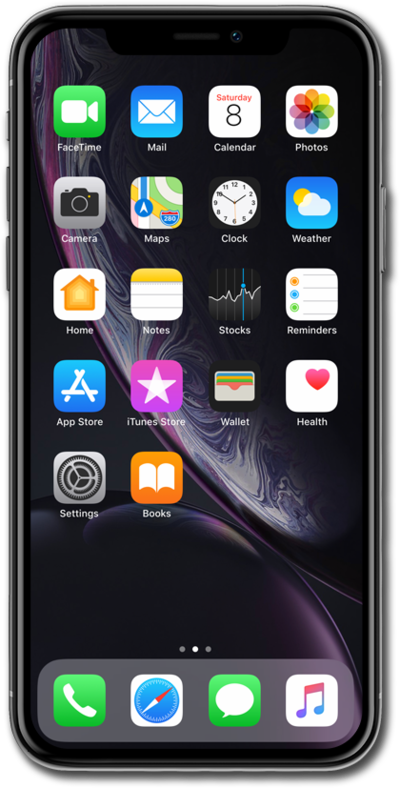
Send your current location to a contact via text. This can help them easily navigate to your location.
1.
From the Messages app main screen, select a conversation.
2.
Tap the Contact dropdown.
3.
Tap info.
4.
Scroll to and Tap Share My Location.
5.
Select your preferred location sharing duration.
6.
You've completed the steps!
