Using Safety Check to review who can access your location and other data
iPhone XR
Using Safety Check to review who can access your location and other data
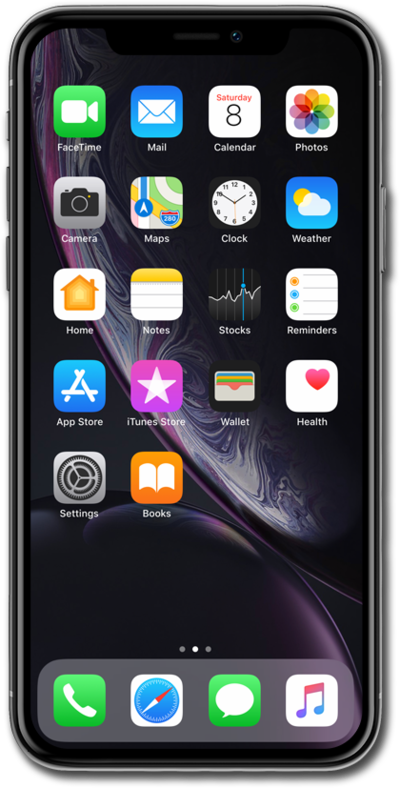
If you have a desire to review what you’re sharing, who you’re sharing with, and reset information that apps have access to, then follow along with this tutorial to learn how to use the Manage Sharing and Access Safety Check feature.
1.
From the Settings app, scroll to and tap Privacy & Security
2.
Scroll to Safety Check.
3.
Tap Safety Check.
4.
Tap Manage Sharing & Access.
If your device has a passcode lock, enter your iPhone Passcode, Face ID, or Touch ID to progress.
5.
Tap Continue.
6.
Type in your selected participants.
7.
Tap on the participant's name.
8.
Tap Review Sharing.
9.
Select the items you would like to stop sharing.
10.
Tap Stop Sharing.
11.
Tap Stop Sharing again.
12.
Tap Continue.
Repeat the prior steps to remove sharing for additional people.
13.
Tap Quick Exit.
14.
You've completed the steps!
