Recording a video or audio message on FaceTime
iPhone XS Max
Recording a video or audio message on FaceTime
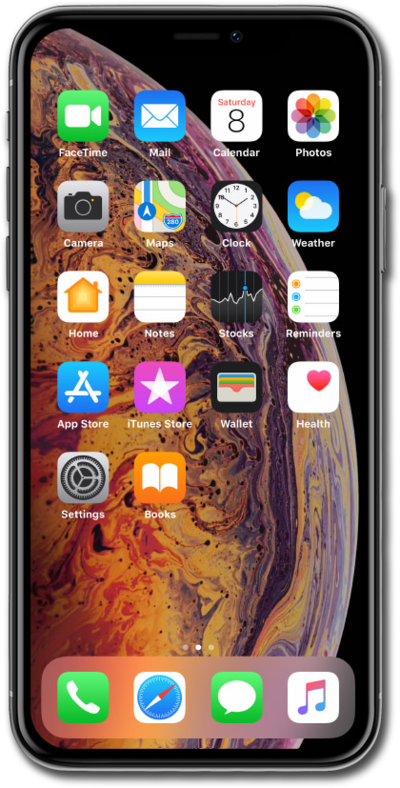
You can now record and send a video message when someone is unavailable on Facetime. Note that both the caller and the recipient must have iOS 17 installed to send and receive FaceTime video messages.
1.
From a Facetime call where the contact is unavailable, tap Record Video.
2.
Tap the Stop button when finished recording your message.
Tap Retake and refer back to the previous step if you need to start your recording over.
3.
Once you are happy with your recording, tap the Send icon to send your message.
4.
You've completed the steps!
