Apple iPhone XS Max Device Help & How-To Guides
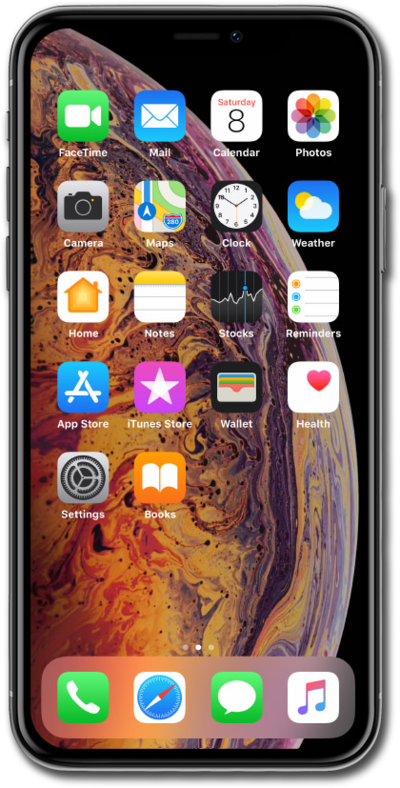
What would you like to learn about your device?
Trending iPhone XS Max topics
Setting up iPhone manually as a new device
When you get a new device or reset your current one, follow these initial setup steps to activate and configure your device.
ExploreSetting up an eSIM with a push notification after device setup
This tutorial walks you through the process of setting up an eSIM on your device using a push notification sent by your carrier. This guide shows you how to accept the notification, download the eSIM profile, and activate your mobile service quickly and securely—without scanning a QR code or manually entering details.
ExploreActivating Wi-Fi calling
You can use Wi-Fi calling to make and receive calls in areas with limited or no cellular connectivity. If this option is not present on your device, or cannot be enabled, your carrier's network or your specific cellular plan might not support this feature.
ExploreTurning data roaming on and off
When traveling internationally, you may want to turn data roaming on and off to conserve data and minimize unwanted fees.
Explore