Customizing how your contact card appears when you call someone
iPhone XS
Customizing how your contact card appears when you call someone
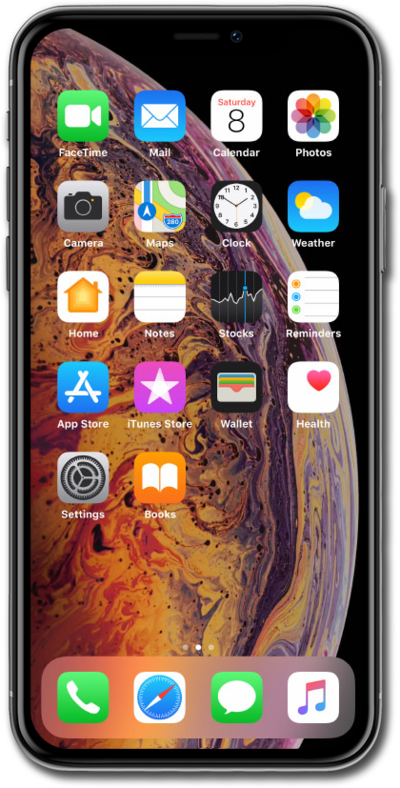
Contact Posters allow you to create a personalized contact card which can include a photo, contact information, a Memoji, and more.
1.
From the Home screen, swipe to and tap Contacts.
2.
Select your contact card.
3.
Tap Contact Photo & Poster.
4.
Tap Continue.
5.
Tap the Add button.
6.
Tap Photos.
7.
Choose a photo to use for your contact poster.
8.
Swipe left to choose a filter.
9.
Tap the Name field.
10.
Choose your font size.
11.
Choose your font color.
12.
Tap the X button.
13.
Tap Done.
14.
Tap Continue.
15.
Tap Continue again.
16.
Tap Done.
17.
You've completed the steps!
