Blocking and unblocking a contact
iPhone XS
Blocking and unblocking a contact
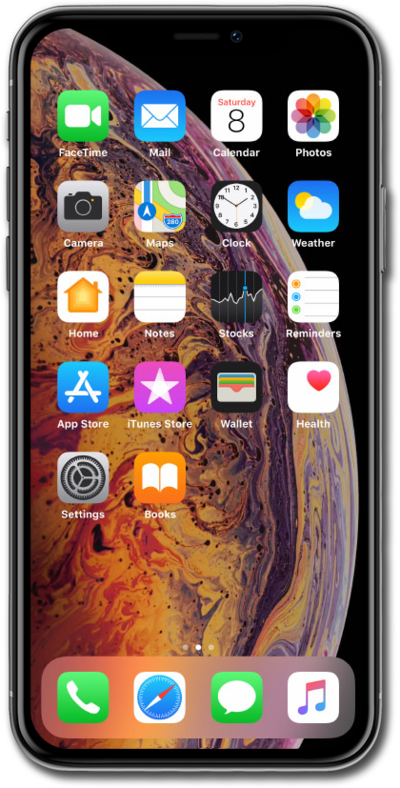
Learn how to block or unblock a contact's phone number. This will prevent that phone number from contacting your device.
1.
From within the Settings app, scroll to and tap Apps.
2.
Scroll to and tap Phone.
3.
Scroll to and tap Blocked Contacts.
4.
Tap Add New.
5.
Select the contact you'd like to block.
When a contact is blocked you'll no longer receive phone calls, messages, or FaceTime from them.
6.
To unblock a contact, tap Edit.
7.
Tap the Minus sign.
8.
Tap Unblock.
9.
You've completed the steps!
