Managing how your contacts list is shared with other apps
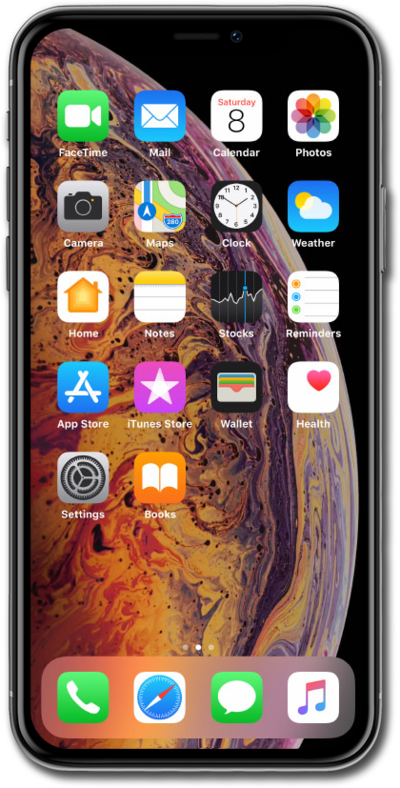
iPhone XS
Managing how your contacts list is shared with other apps
Easily share contact information with others as well as select apps using your device's share contact functions. You can also share the exported file in various ways including email or storing it on an SD card on certain devices.
1.
From within the Settings app, scroll to and tap Privacy and Security.
2.
Tap Contacts.
3.
Select an app.
4.
Tap Limited Access.
5.
Tap on the specific contacts you want to allow access too.
6.
Tap Done.
7.
You've completed the steps!
