Setting up Kids Space
Setting up Kids Space
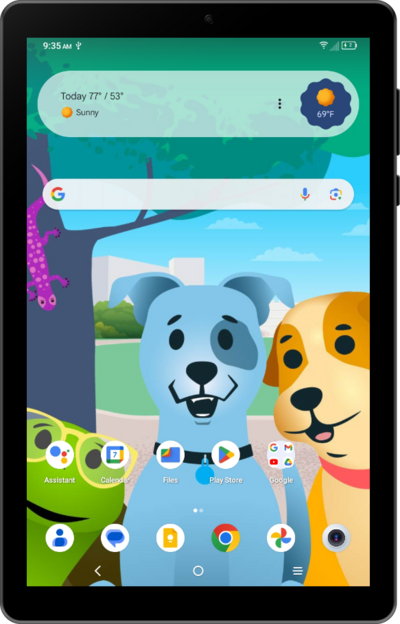
From the Home screen, swipe up to view your apps.
Tap Kids Space.
You can also enable Kids Space when setting up your child's device for the first time.
Tap Get started.
Tap Got it.
Enter the password for your parent account.
Tap Next.
Scroll to Next.
From this screen, you can set your preferences for the content your child will have access to.
Tap Next.
Hand the device to your child and have them tap Next again.
For the following steps, the tablet will be set up for your child to choose their preferred options. It's recommended that they make selections while you guide them.
Pick the topics you like.
Tap Next.
Push the red button to start Kids Space.
After the intro animation, customize your avatar. Tap Done when ready; you can always make changes later.
You've completed the steps!
