Setting up app privileges
amiGO Jr. Tab
Setting up app privileges
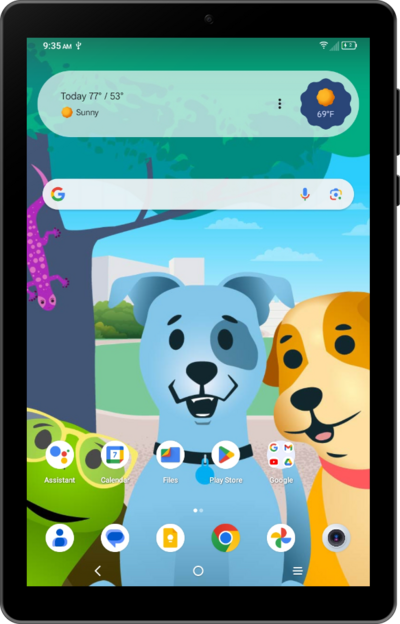
You can set up your child's device to have content restrictions. The restrictions can be on anything from websites to music or podcasts.
1.
From the Google Family Link app, scroll to App limits.
2.
Tap App limits.
3.
Select the app that you want to edit the privileges of.
4.
Select your preferred privilege.
5.
Tap Done to save your changes.
6.
You've completed the steps!
