Performing a factory reset for your child's tablet
amiGO Jr. Tab
Performing a factory reset for your child's tablet
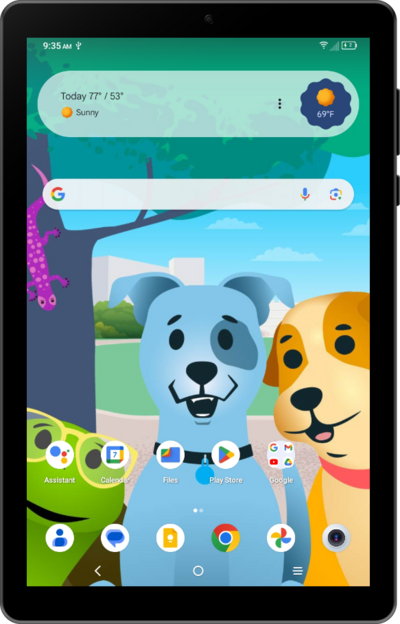
Learn how to perform a factory reset on your child's device.
1.
From the Family Link app on your child's registered parent account, select the device you want to reset.
If you have multiple children registered to your account, you can specify a child's account to set changes for using the top-left Navigation Menu.
2.
Swipe to Reset device & delete data.
3.
Tap Reset device & delete data.
4.
Tap Resetting for other reason.
Choosing this option will remove your supervision of the device and allow it to be set up as though completely new. To reset while keeping device protection intact, choose Device is lost or stolen instead.
5.
Tap Next.
6.
Tap Yes... to confirm.
7.
Tap Reset device.
8.
You've completed the steps!
