Using Local Awareness to limit emergency alerts to your location
iPhone XR
Using Local Awareness to limit emergency alerts to your location
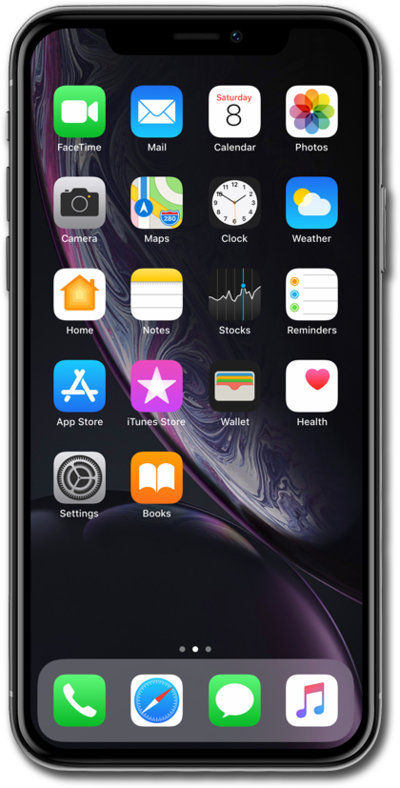
Local Awareness allows the user to base any emergency alerts they receive on their approximate location rather than being subject to many broader general alerts.
1.
From the Settings app, scroll to and tap Notifications.
2.
Scroll to and tap Emergency Alerts.
3.
Tap or slide the Local Awareness switch to ON.
4.
You've completed the steps!
