Viewing your notifications
iPhone XR
Viewing your notifications
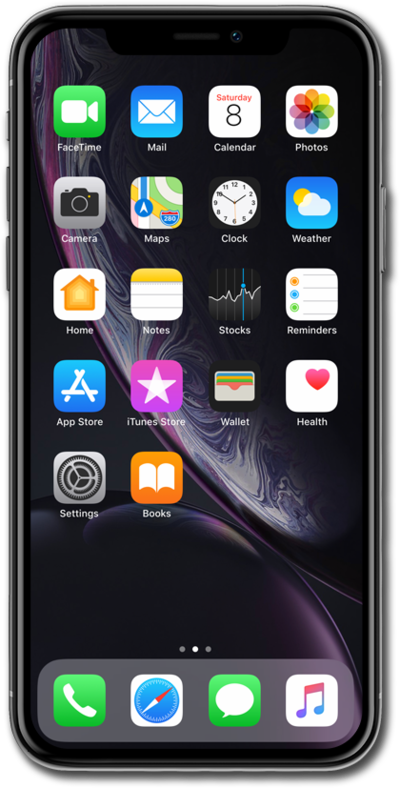
Manage your notifications by viewing them or clearing them to keep your notification panel clean.
1.
Press the Side button to turn on your screen.
2.
To preview a notification, press and hold it.
3.
Tap outside of the notification to dismiss it.
4.
To view older notifications, swipe up on the Lock screen.
You can swipe down on the older notifications to dismiss them.
5.
You've completed the steps!
