Changing your default notification, sound, and haptic settings
iPhone XR
Changing your default notification, sound, and haptic settings
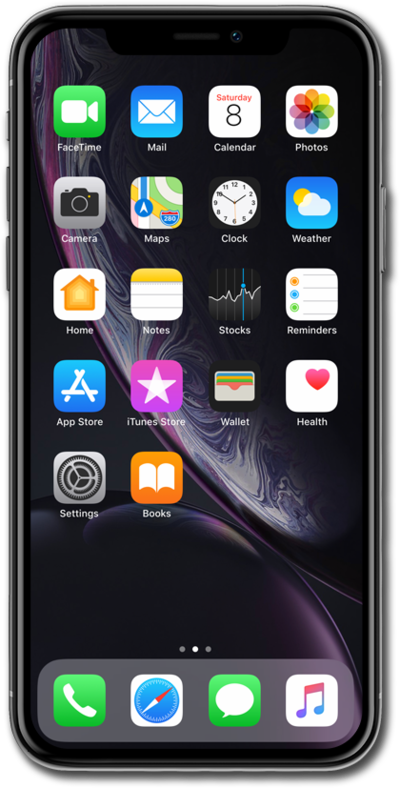
Update your default notification, sound, and haptic settings to your personal preferences to get the best user experience.
1.
From the Settings app, tap Sounds and Haptics.
2.
Scroll to and tap Default Alerts.
3.
Tap Haptics.
4.
You've completed the steps!
