Turning on LED flash for alerts
iPhone XR
Turning on LED flash for alerts
You can turn on a notification LED light to visually alert you when you have notifications. This is useful if you are hearing impaired or if you have your device on silent often.
1.
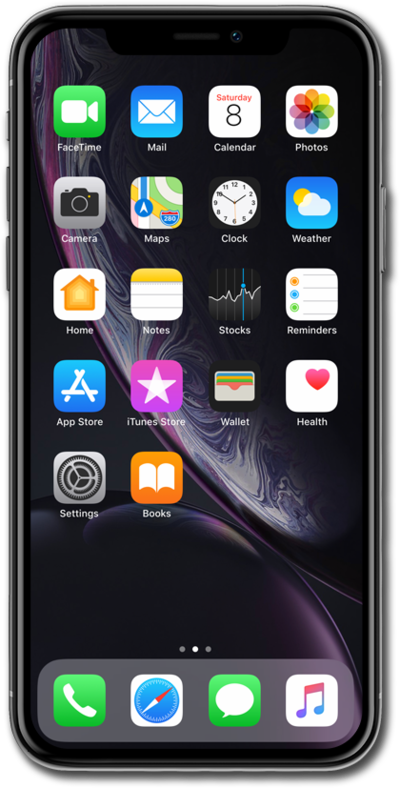
From the Home screen, tap Settings.
2.
Scroll to and tap Accessibility.
3.
Scroll to and tap Audio/Visual.
4.
Scroll to and tap LED Flash for Alerts
5.
Tap or slide the LED Flash for Alerts switch to ON.
6.
You've completed the steps!
