Customizing Control Center
iPhone XR
Customizing Control Center
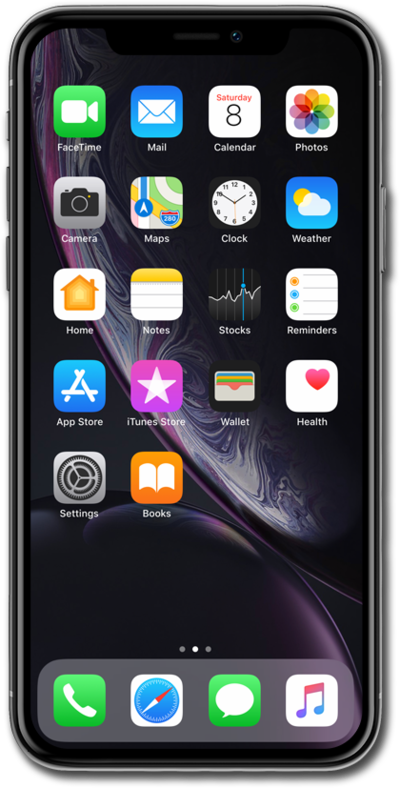
You can change the icons that appear in the control center. Set up icons for items you would like quick access to.
1.
From the Home screen, drag down from the top right portion of your screen.
If your device has a Home button, swipe up from the bottom of your screen to access the Control Center.
2.
Tap the P****lus icon.
3.
To add an new controls gallery, tap the circle icon.
4.
To add more control to the gallery, tap Add a Control.
5.
Select a control you want to add.
6.
Tap and hold a control to rearrange control center.
7.
Tap and hold the bottom corner of the control to resize them.
8.
To remove a control, tap the Minus icon.
9.
You've completed the steps!
