Scheduling Messages with Send Later
iPhone XS
Scheduling Messages with Send Later
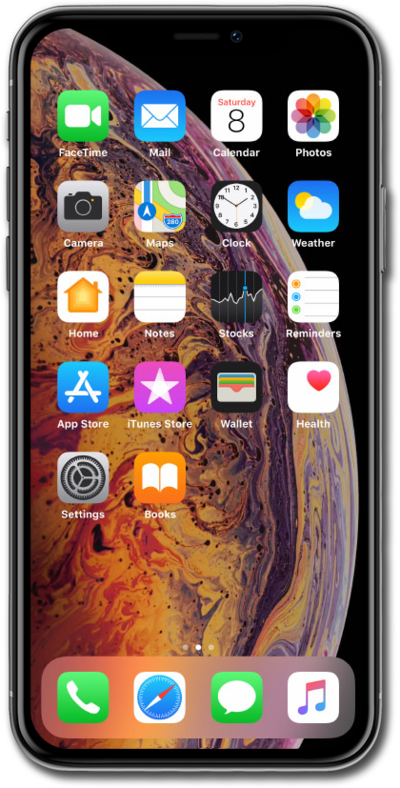
Send Later allows you to schedule a message to be sent at a later point in time.
1.
From the Messages app main screen, select a conversation.
2.
Tap the Plus icon.
3.
Tap More.
4.
Tap Send later.
5.
Compose your messages.
6.
Tap the blue bar to change the scheduled send time.
7.
Select your preferred time.
8.
Tap the send icon.
After sending the message, you can tap Edit to send it, change the scheduled time, or delete it.
9.
You've completed the steps!
