Adjusting Rotate Wi-Fi Address
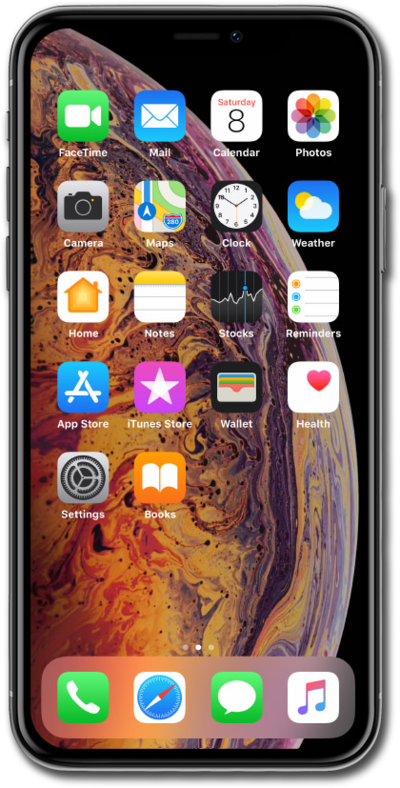
iPhone XS Max
Adjusting Rotate Wi-Fi Address
Turning on Private Address will make it harder to track your device across Wi-Fi networks. Turning this on or off will require you to Rejoin the network.
1.
From the Settings app, tap Wi-Fi.
2.
Tap the info icon beside the Wi-Fi network you would like to edit.
3.
Tap or slide the Rotate Wi-FI Address switch to ON.
Using a rotating Wi-FI Address will randomize your MAC address when connected to a Wi-Fi network. This will help reduce tracking of your device across different Wi-Fi networks.
4.
You've completed the steps!
