Using Voice Isolation
iPhone XR
Using Voice Isolation
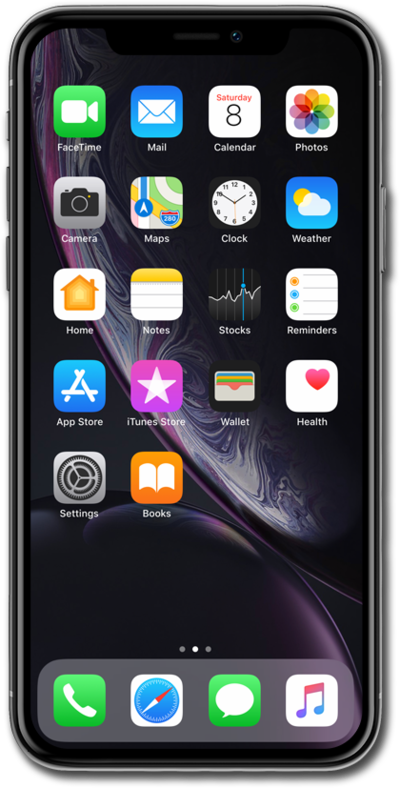
Learn how to enable Voice Isolation for phone calls.
1.
From an ongoing phone call, swipe down from the right corner of the screen to pull down the Control Center.
2.
Tap Phone controls.
3.
Tap Voice Isolation.
4.
Tap outside of the Phone popup area.
5.
To return to your call swipe up from the bottom of the screen.
6.
You've completed the steps!
