Setting up call forwarding
iPhone XR
Setting up call forwarding
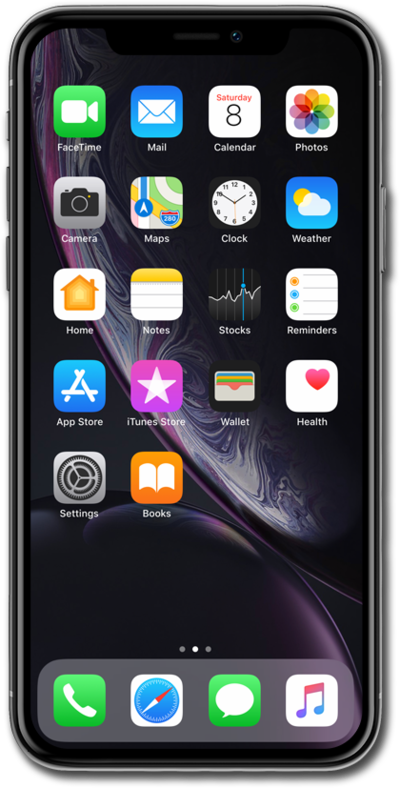
Set up call forwarding on your device to have incoming calls routed to another number. Depending on your device you may be able to route calls differently based on whether your line is busy or not.
1.
From the Settings app, scroll to and tap Apps.
2.
Scroll to and tap Phone.
3.
Tap Call Forwarding.
4.
Tap or slide the Call Forwarding switch to ON.
5.
Tap Forward To.
6.
Enter in the phone number you want your calls forwarded to.
7.
You've completed the steps!
