Adjusting vibration settings
XP Pro 5G
Adjusting vibration settings
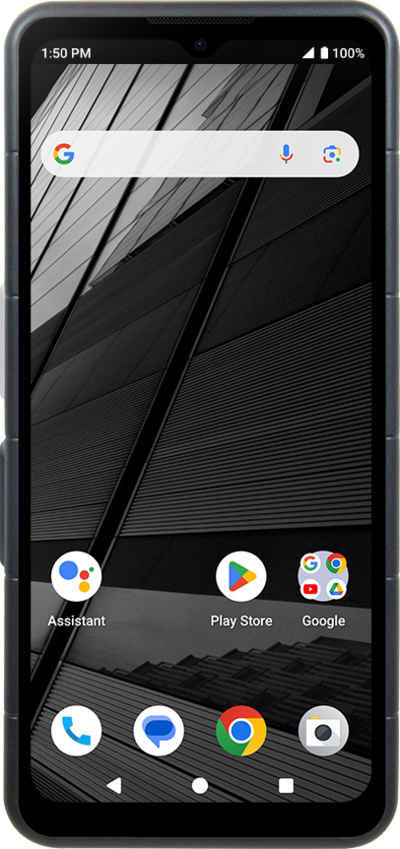
You can personalize the haptic feedback on your device when you receive a phone call, email, text message, whenever you type on the keyboard, or select certain options. You can enable or disable haptic feedback.
1.
From the Settings app, scroll to and tap Sound & vibration.
2.
Scroll to Vibration & haptics.
3.
Tap Vibration & haptics.
4.
Select your preference.
5.
You've completed the steps!
