Selecting a color correction for color blindness
Flip 2
Selecting a color correction for color blindness
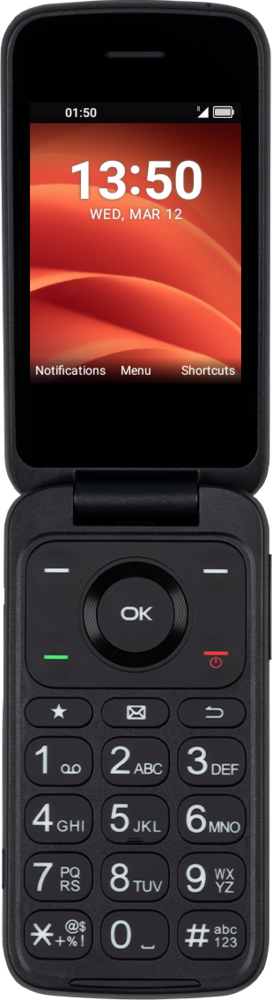
You can modify your screen's colors to make it easier to distinguish one from another.
1.
From Settings, navigate to Accessibility and press the OK button.
2.
Navigate to Color correction and press the OK button.
3.
Navigate to the color spectrum you'd like your phone to correct for and press the OK button to enable it.
4.
You've completed the steps!
