Enabling device captions and changing their size
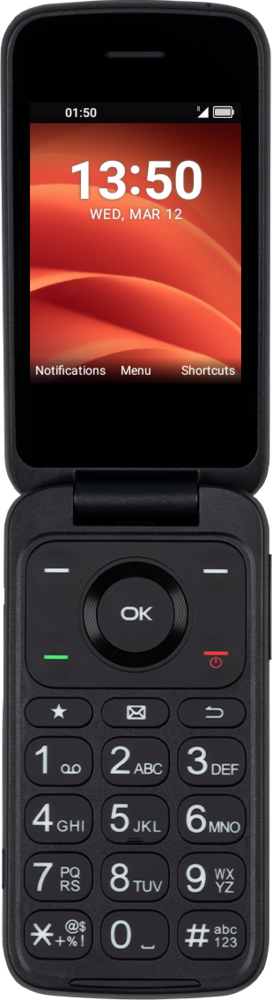
Flip 2
Enabling device captions and changing their size
1.
From Settings, navigate to Accessibility and press the OK button.
2.
Navigate to Captions and press the OK button.
3.
Press the Left Option button to turn Captions on.
4.
Navigate to Text size and press the OK button.
5.
Select your preferred size and press the OK button to confirm.
6.
You've completed the steps!
