Returning to a call
Razr+ 2025
Returning to a call
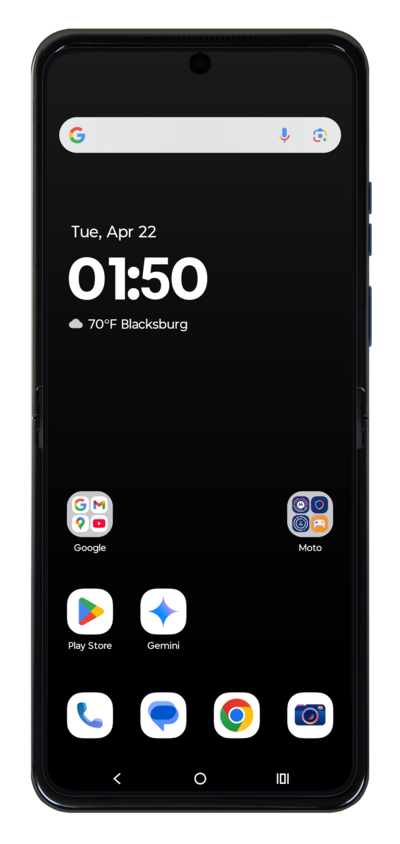
While on a phone call, you can navigate back to your home screen and use your device as normal without hanging up the phone call.
1.
From an ongoing call, press the Home button.
2.
To return to the Call screen, drag down the Notification panel.
3.
Tap the ongoing call to return to it.
4.
You've completed the steps!
