Sending a text to a group
Moto G Play (2024)
Sending a text to a group
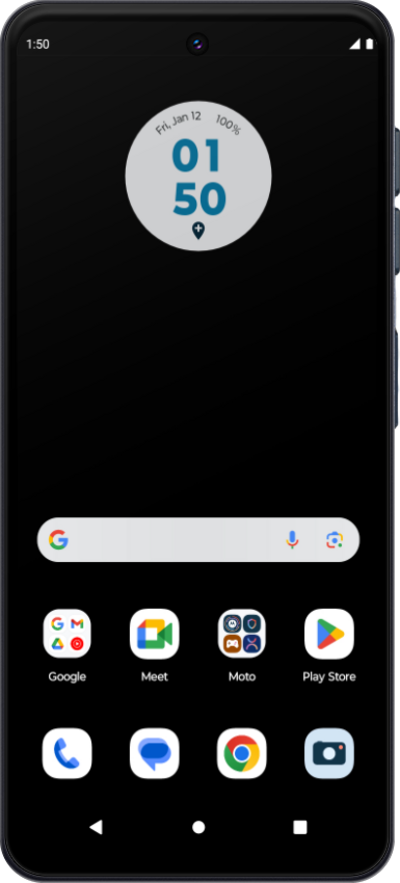
Learn how you can send a text message or multimedia message to a multiple contacts at once. You can attached a picture, video, or other media file to a text message.
1.
From the Messages app main screen, tap Start chat.
2.
Tap Create group.
3.
Select the contacts.
If necessary, select which of the contact's numbers you'd like to send the message to.
4.
Tap Next.
5.
Enter a group name.
6.
Tap Done.
7.
Compose your message.
8.
When you're finished, tap the Send icon.
9.
You've completed the steps!
