Setting up Call Forwarding
Motorola Edge 2025
Setting up Call Forwarding
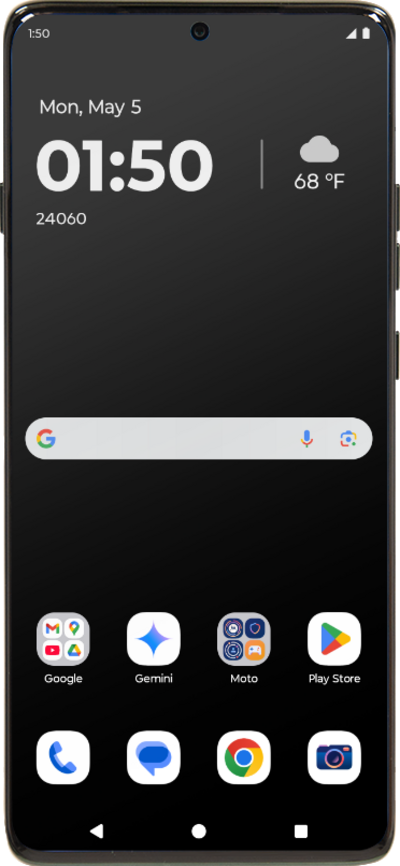
Set up call forwarding on your device to have incoming calls routed to another number. Depending on your device you may be able to route calls differently based on whether your line is busy or not.
1.
From the Home screen, tap the Phone icon.
2.
Tap the Menu.
3.
Tap Settings.
4.
Tap Calling accounts.
5.
Select your carrier.
6.
Tap Call forwarding.
7.
Tap Always forward.
8.
Enter a phone number you wish to forward your calls to.
9.
Tap TURN ON.
10.
You've completed the steps!
