Transferring content from your old device via USB
Transferring content from your old device via USB
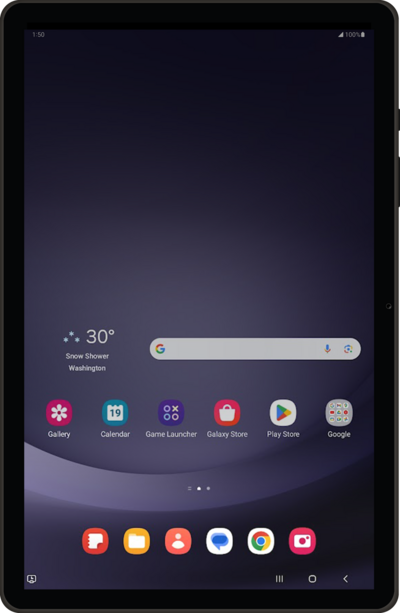
Tap Start.
Select all policies and agreements you agree to, and tap Agree.
Tap Next.
Tap Set up manually.
Select your Wi-Fi network.
Enter your network password, and tap Connect.
Tap Next.
Tap Next.
Tap Next again.
Tap Can’t use old device? if you would like to restore your information from a Google backup instead.
Tap Agree.
Scroll to and tap Allow.
Tap Galaxy/Android.
If you are transferring information from an Apple device, instead tap iPhone/iPad.
Tap Cable.
Connect a compatible USB cable to your old device, then connect the other end to your new Galaxy.
Follow the instructions on your old device to install and update Smart Switch if needed.
If you are not automatically guided to the Transfer screen, tap Send data.
Choose what you'd like to copy from your old device and then tap Next.
After this step, follow the steps on your old device to copy your Google account and backups. Your data will be transferred while you continue setting up your new device.
You've completed the steps!
