Setting up your eSIM
Galaxy Tab A9+ 5G
Setting up your eSIM
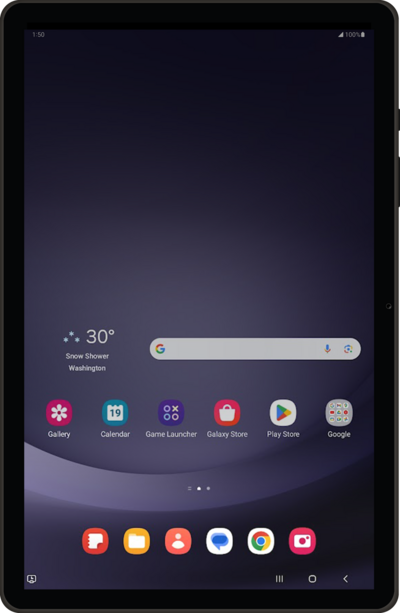
A guide to all the different ways you can set up an eSIM on your device.
1.
From the Connections tab in Settings, tap SIM manager.
2.
Tap Add eSIM.
3.
Tap Add.
4.
Tap Next.
5.
Tap Done.
6.
You've completed the steps!
