Turning your phone on and off
Galaxy Z Fold3 5G
Turning your phone on and off
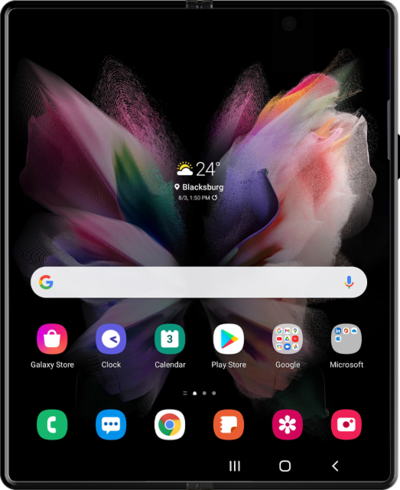
Turning your device off and on is called "restarting" your device. Restarting your device is a common first step in troubleshooting any device issues. No saved information will be lost during a restart.
1.
To turn on the phone, press and hold the Side button.
2.
To turn off the phone, press and hold the Side and Volume Down buttons simultaneously.
3.
Tap the Power off icon.
4.
Tap the Power off icon again.
5.
You've completed the steps!
