Signing into your Samsung account
Galaxy Z Fold3 5G
Signing into your Samsung account
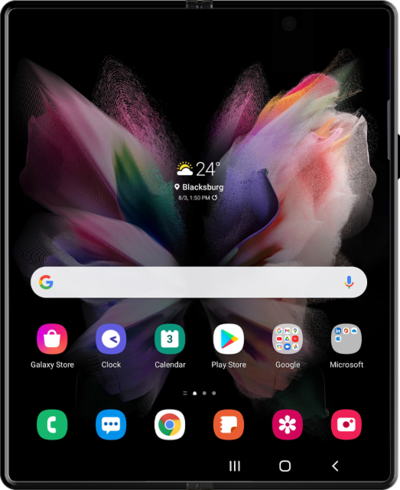
Access your account using your User ID and password associated with your account.
1.
From the Settings app, tap Samsung Account.
2.
Tap Email or phone number.
3.
Enter your Samsung Account email.
4.
Tap Next.
5.
Enter your Samsung Account password.
6.
Tap Sign in.
7.
Tap Agree.
If you would like to have a quicker way of signing in using your biometrics tap Get started to begin that process.
8.
You've completed the steps!
