Using Chat Assist
Using Chat Assist
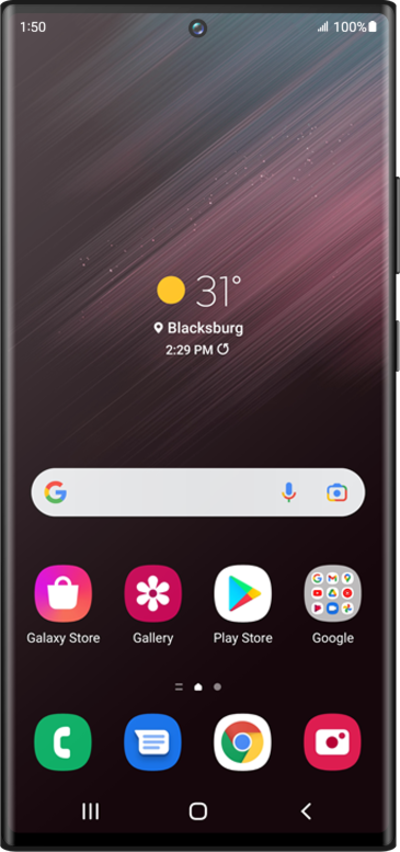
From the messages app, select a conversation that needs to be translated.
Tap the message field.
Tap the AI Translate icon.
Tap Chat translation.
Within this option you can also have the AI generator aid with Writing styles and Spelling and grammar. You will also need to have access to the internet or a network connection.
Tap the Auto dropdown.
From this options you can select or add a language. You may also set the option to Auto where the language will be automatically translated.
Tap Auto.
Tap the English dropdown.
From this options you can select or add a language that you translation will be translated to.
Tap English.
Tap the Text field.
Enter your return message.
The button to the left of the text field will have initials for the language being translated to. Make sure you have the language package downloaded and tap that button to change your language options.
Tap the Send icon.
This Translate feature can also be utilized for email purposes and can help improve the kind of message you are trying to send.
You've completed the steps!
