Force restarting your device
Galaxy S23 FE
Force restarting your device
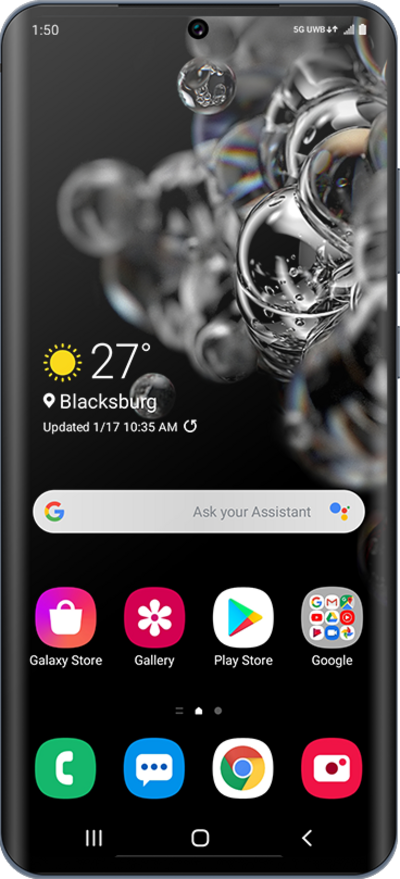
If your device isn’t responding or is completely frozen, force restarting is a great first step to take to resolve your issue. Follow along with this tutorial to learn how to properly force restart your device.
1.
From the Home screen, press and hold the Power and Volume Up buttons until the screen goes dark.
Some devices may require you to press and hold the Power and Volume Down buttons instead.
2.
You've completed the steps!
