Using Magic Compose and Magic Rewrite
Galaxy Z Fold7
Using Magic Compose and Magic Rewrite
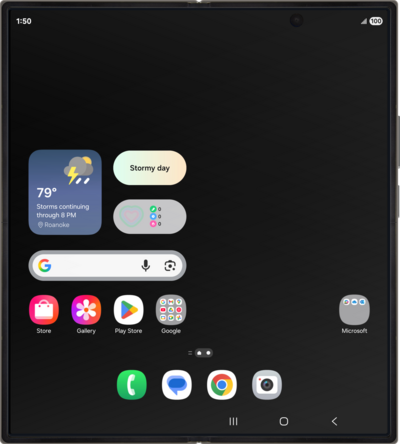
Magic compose drafts responses to text messages based on their content, as well as gives the user the option to rewrite these responses based on the users’s desired style and formatting.
1.
From the Messages app, start a new conversation.
2.
Tap the Message field.
3.
Compose a message.
4.
Tap the Plus icon.
5.
Tap Magic Compose.
From this point you may select different categories by horizontally scrolling to see options like "Excited, Formal, Short, etc.".
6.
Select a category.
7.
Select the message you would like to replace your composed message with.
8.
If the message you selected was not what you wanted, tap the Plus icon.
9.
Tap Magic Compose.
10.
Select a category.
11.
Select a message.
12.
Tap the Send icon.
13.
You've completed the steps!
