Using Instant Slow-Mo
Galaxy Z Fold7
Using Instant Slow-Mo
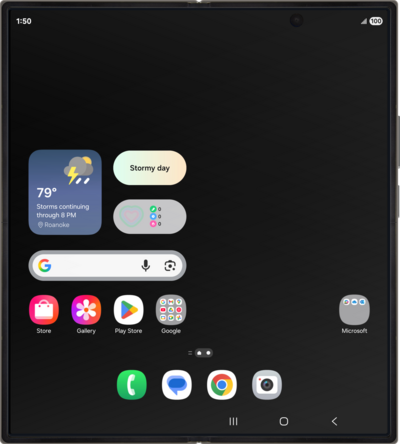
Instant Slow-Mo allows you to slow down certain videos with your finger in order to view them in slow motion.
1.
From the Home screen, tap the Gallery icon.
2.
Select a video.
In this view you can tap and hold on the video to make the video go into Slow-Mo.
3.
Tap the Edit icon.
4.
Tap the Adjust speed icon.
You have the option to select 1/4x, 1/2x, 1x, and 2x speed.
5.
Select a speed.
6.
Tap and drag the left bar to to your preferred starting point for the speed change.
7.
Tap and drag the right bar to to your preferred ending point for the speed change.
Saving will save over the original, but you can revert back to the original, even after saving, or you can save a new copy of the video as to not lose the original footage.
8.
Tap the Menu icon.
9.
Tap Save copy.
10.
You've completed the steps!
