Changing the language
iPad (A16)
Changing the language
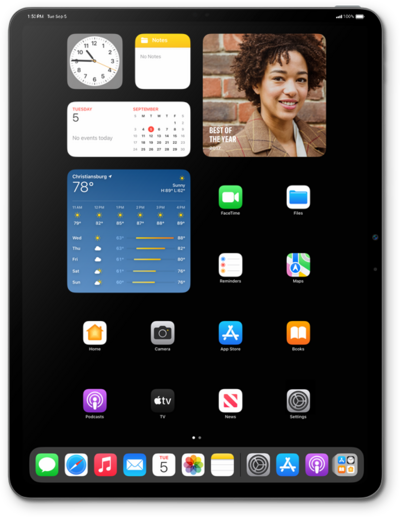
You can have multiple languages on your device or you can change the main language on your device.
1.
From within the Settings app, tap Language & Region.
2.
Tap Add Language...
3.
Select a language.
4.
Tap the new language.
Your device will fade to black for a few seconds, then fade back with the selected language enabled.
5.
You've completed the steps!
