Changing the wallpaper
iPad (A16)
Changing the wallpaper
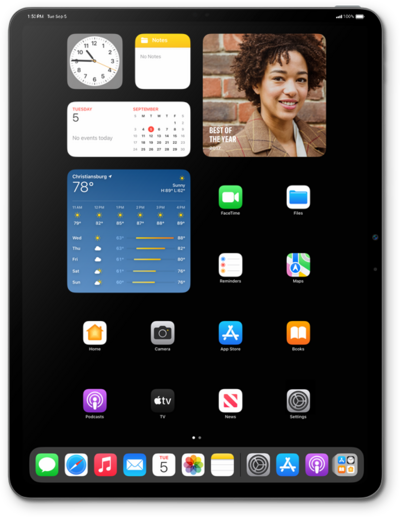
The background image for your device, also known as the wallpaper, can be changed in settings. You can use your own image as a wallpaper or choose from the default images on your device. You can change the lock screen and home screen backgrounds.
1.
From within the Settings app, tap Wallpaper.
2.
Tap Customize under your current Home or Lock Screen wallpaper.
3.
Select the preferences you'd like to use for your wallpaper.
After choosing an option, tap it again to customize colors and other preferences.
4.
Tap Done.
5.
Tap Set as Current.
6.
Swipe up from the bottom of your screen to return to the home screen and view your new wallpaper.
If your device has a home button, press the Home button to return to the home screen view your new wallpaper.
7.
You've completed the steps!
