Turning off Wi-Fi assist
iPad (A16)
Turning off Wi-Fi assist
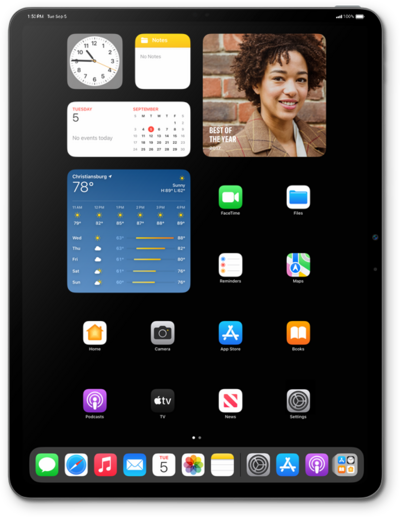
Learn how to save data by turning off Wi-Fi Assist on your device. Wi-Fi Assist will use your data plan to connect to the internet when your Wi-Fi signal is poor.
1.
From the Settings app, tap Cellular Data.
CELLULAR may be called CELLULAR DATA or MOBILE DATA depending on your device.
2.
Scroll to and tap the Wi-Fi Assist switch to turn it OFF.
Other options on this screen may differ depending on the capabilities of your carrier's network or your device.
3.
You've completed the steps!
