Deleting an app
iPad (A16)
Deleting an app
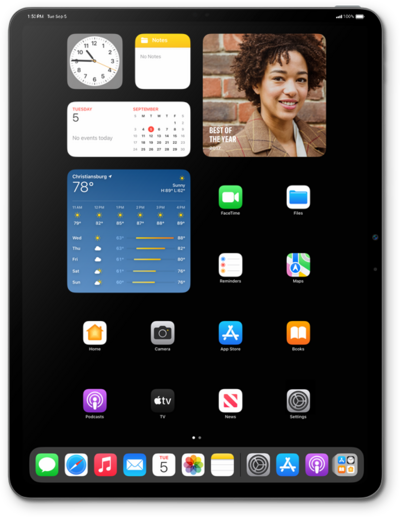
Removing applications or widgets will free up space on your device. Once you remove an application or widget you will not be able to use it again unless it is downloaded again.
1.
Touch and hold an app you'd like to uninstall.
2.
Tap Remove App.
3.
Tap Delete App.
4.
Tap Delete.
5.
You've completed the steps!
