Using Control Center
iPad Air (M4)
Using Control Center
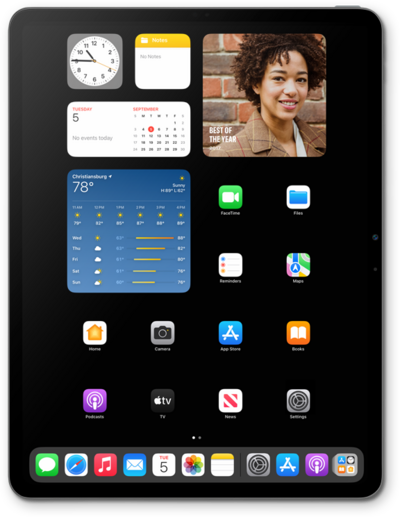
You have quick access to many of your device's features from your control center. Access your control center from the home screen and use it to do things like turn on or off the flashlight, start a time, access the calculator or camera, and more.
1.
To access the Control Center, drag down from the top right portion of your screen.
If your device has a Home button, swipe up from the bottom of your screen to access the Control Center.
2.
From this screen, you can perform a variety of actions:
- Manage Controls - Add, move, and remove a variety of controls from the Control Center.
- Flashlight - Turn on and off the flashlight function.
- Timer - Activate the timer function.
- Camera - Opens the Camera app.
- Sound - Adjust the sound settings.
- Music Settings - Play, pause, and other options to control your music.
- Connectivity Controls - Turn on and off Wi-Fi, Bluetooth, Cellular Data, and Airplane Mode.
3.
You've completed the steps!
