Editing a contact
iPhone 8 Plus
Editing a contact
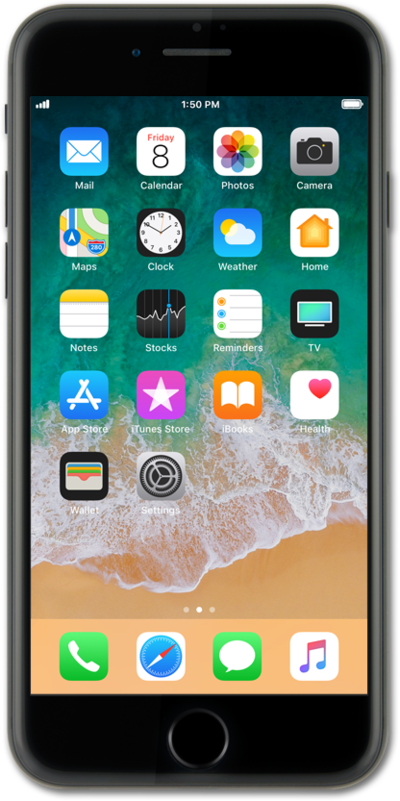
Learn how to edit and update contacts to keep your contact information up to date.
1.
From the Home screen, swipe to and tap Contacts.
2.
Select a contact.
3.
Tap Edit.
4.
Tap the phone number you'd like to edit.
5.
Edit the phone number.
You may also tap add phone to add an additional phone number for the contact.
6.
Tap Done.
7.
You've completed the steps!
