Accessing settings
Moto G Stylus - 2025
Accessing settings
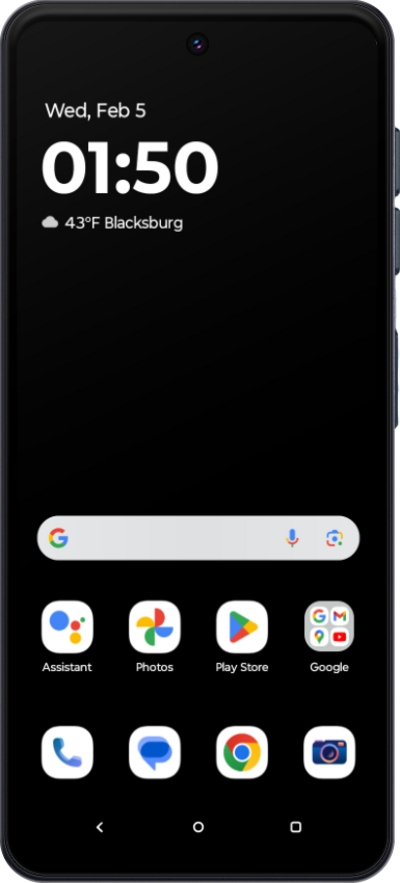
Learn how to quickly locate and navigate the settings menu to personalize and manage your preferences.
1.
From the Home screen, swipe up to view your apps.
2.
Scroll to Settings.
3.
Tap Settings.
4.
You've completed the steps!
