Enabling USB debugging
Razr+ 2024
Enabling USB debugging
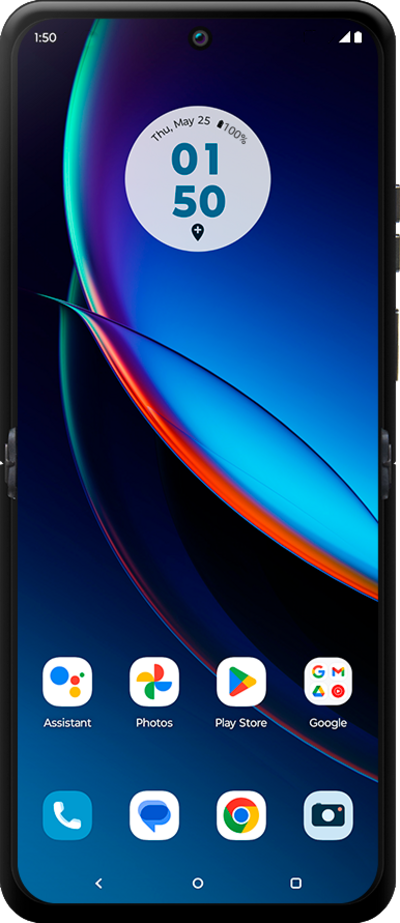
Turn on USB Debugging to help trouble shoot your device. Once USB Debugging is turned on, you will be able to plug your device into a computer to access your device's logs.
1.
From the Settings app, scroll to and tap About phone.
2.
Scroll to Device identifiers.
3.
Tap Device identifiers.
4.
Tap Build number seven times.
You may be prompted to enter your device PIN or password. When Developer options has been enabled successfully, you will see a message at the bottom of the screen which states You are now a developer!
5.
Press the Back button.
6.
Press the Back button again.
7.
Tap System.
8.
Tap Developer options.
9.
Scroll to USB debugging.
10.
Tap or slide the USB debugging switch to ON.
11.
Tap OK.
12.
You've completed the steps!
