Checking for and installing system updates
Razr+ 2024
Checking for and installing system updates
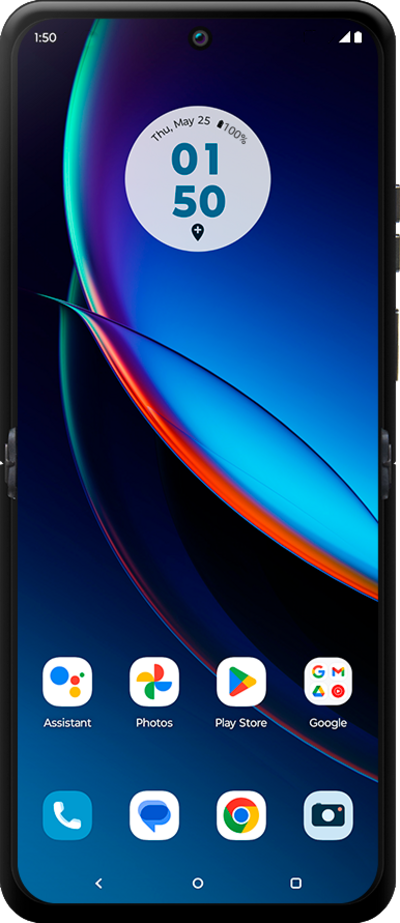
It's important to keep your device current with the latest features, security updates, and other critical fixes.
1.
From the Settings app, scroll to and tap System updates.
2.
Tap Check for updates.
If necessary, tap Download and install to begin updating your device.
3.
You've completed the steps!
