Setting a reminder
iPhone 8 Plus
Setting a reminder
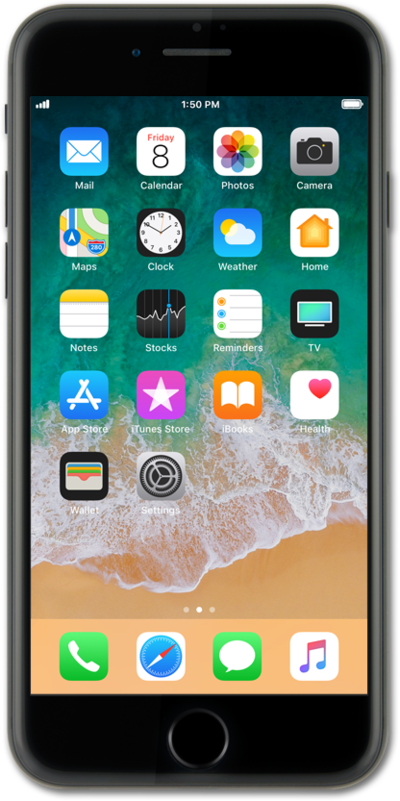
Set reminders to help you remember time sensitive tasks such as picking up groceries on your way home or taking medication.
1.
From the Home screen, tap Reminders.
2.
Select a list to add a reminder to.
3.
Tap New Reminder.
4.
Enter your reminder.
5.
Tap the Calendar icon.
6.
Tap Date & Time.
7.
Select a day preference.
8.
Tap or slide the Time switch to ON.
9.
Select a time preference.
10.
Tap Apply.
11.
You've completed the steps!
